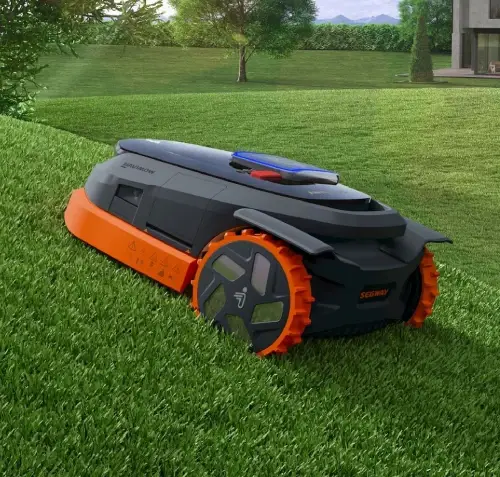
Segway Navimow i-Series
The cutting-edge AI-powered robotic lawn mower. Embrace the simplicity of wire-free lawn mowing – no perimeter wire is required.
Spec & Compare
Area Capacity
Slope Capability
Technology
Area Capacity
Slope Capability
Technology
Mow Smarter, Easier
Intelligently planning your lawn management without boundaries.
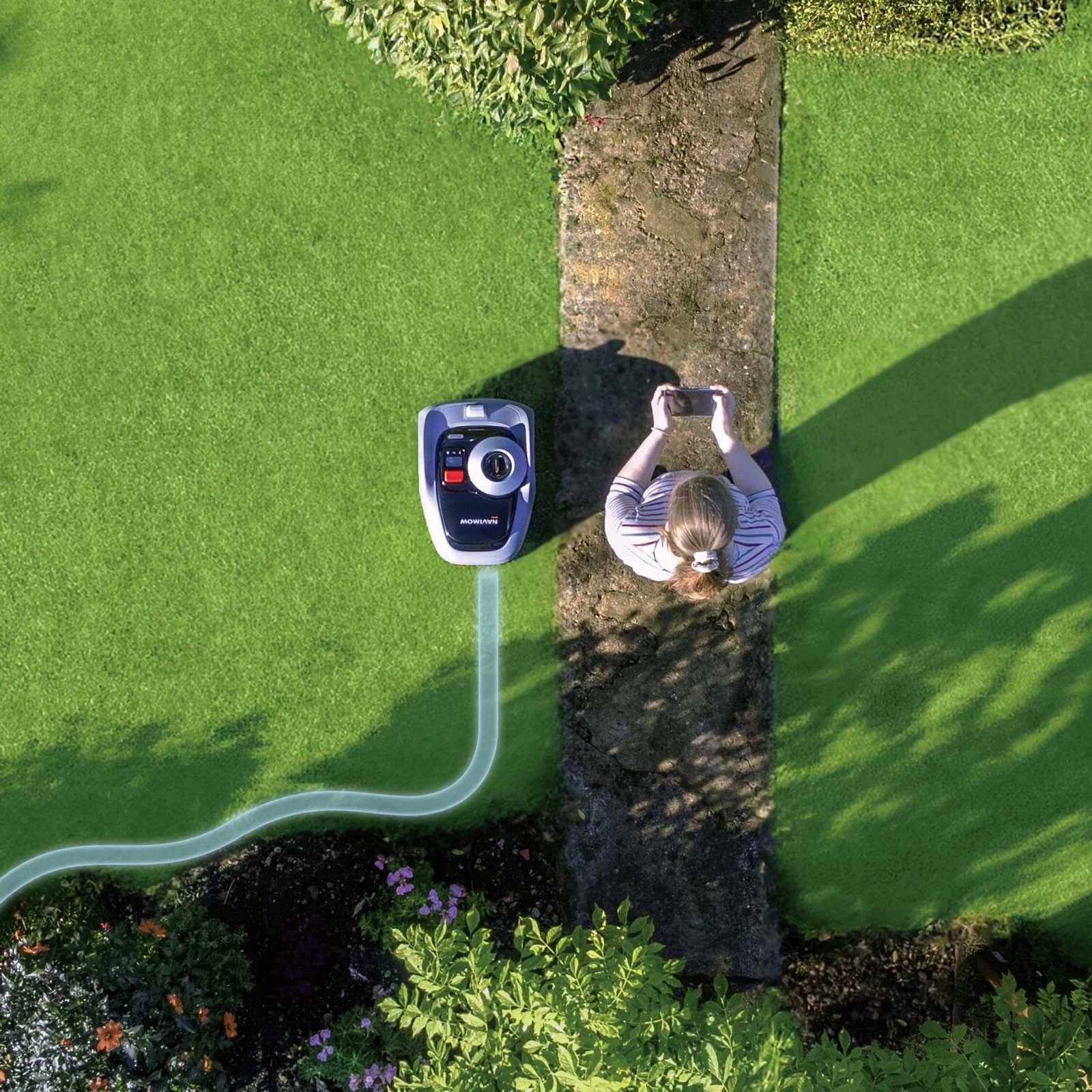
Easy & Quick Setup
Easily connect and control your robotic mower with the Navimow app. Our advanced antenna location finder and intuitive installation guidance will help you complete the deployment quickly.
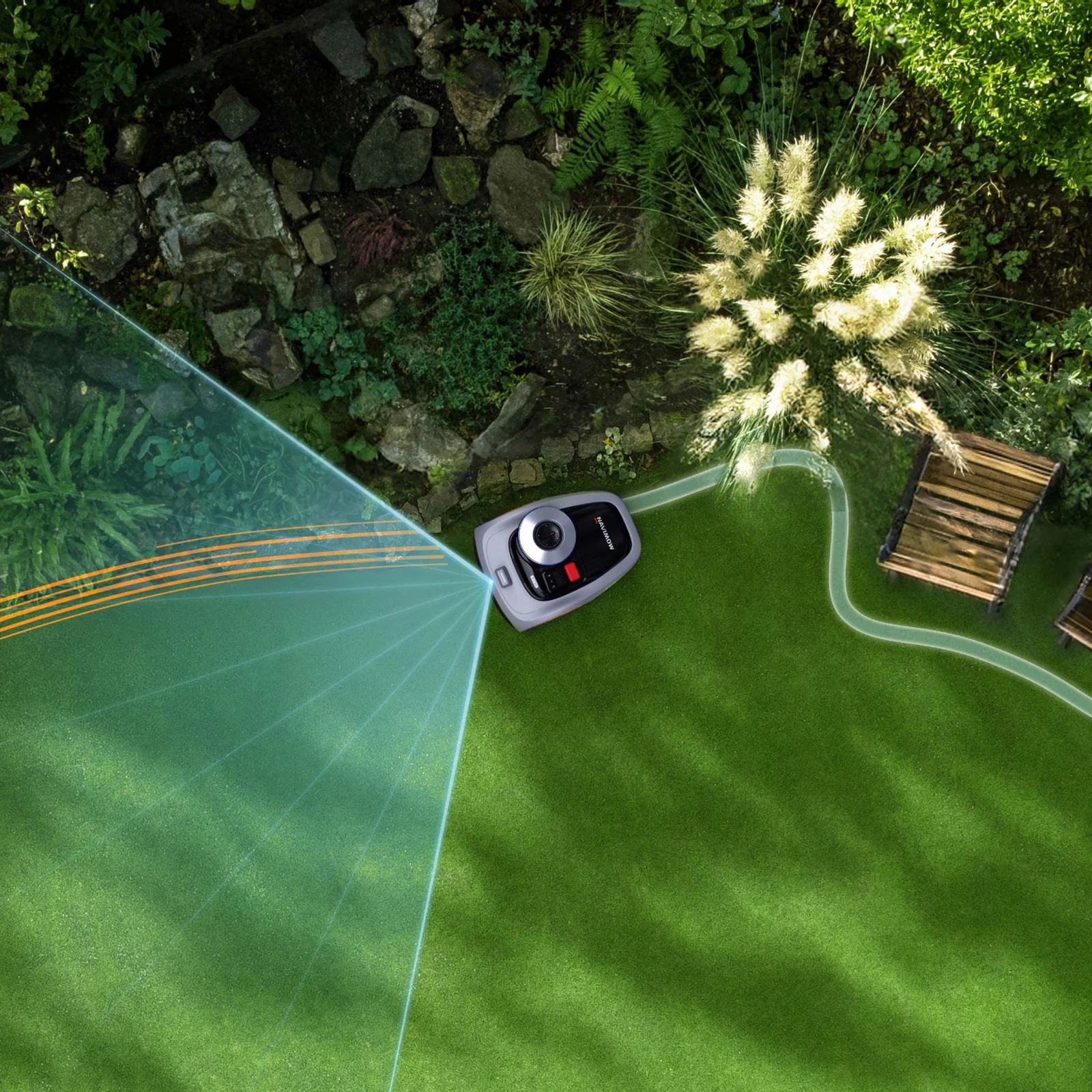
AI-Assist Mapping
With the all-new AI-powered Assist Mapping feature, Navimow i Robot Mower identifies the clear edges of your lawn during mapping and automatically navigates and maps the entire working area. It’s that simple.
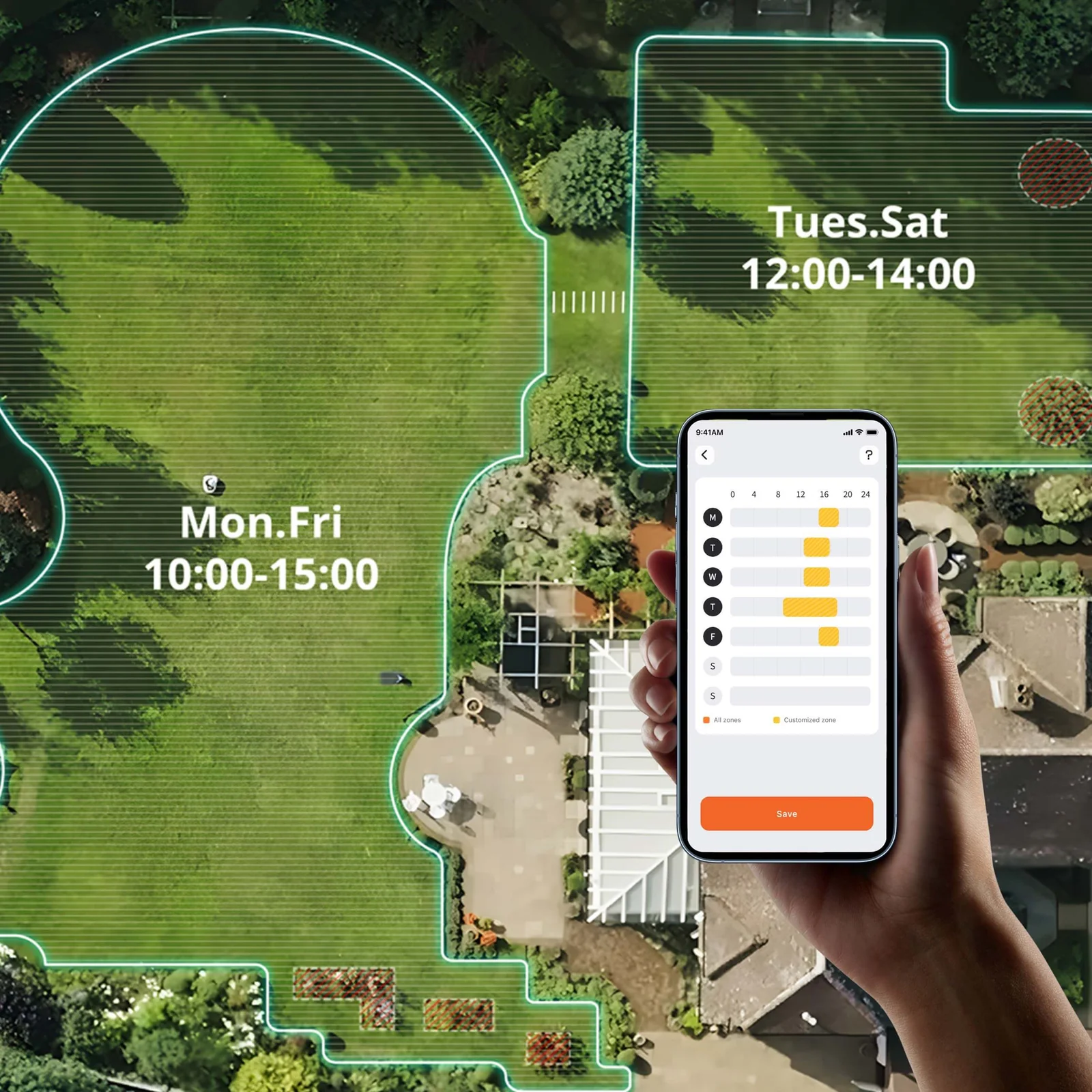
Multi-Zone Management
Mark mowing areas, off-limit areas, and draw safe channels to connect multiple zones, empowering you to customize mowing zones, providing ultimate flexibility.
Work on Almost All Lawns
Our integrated RTK & Vision tech handles diverse complex terrain.

Precise Edge Mowing
Navimow supports diverse mowing customization options. Mowing your lawn either to closely cut to the edge or ride on the edge among general cobbled road and grassplot.
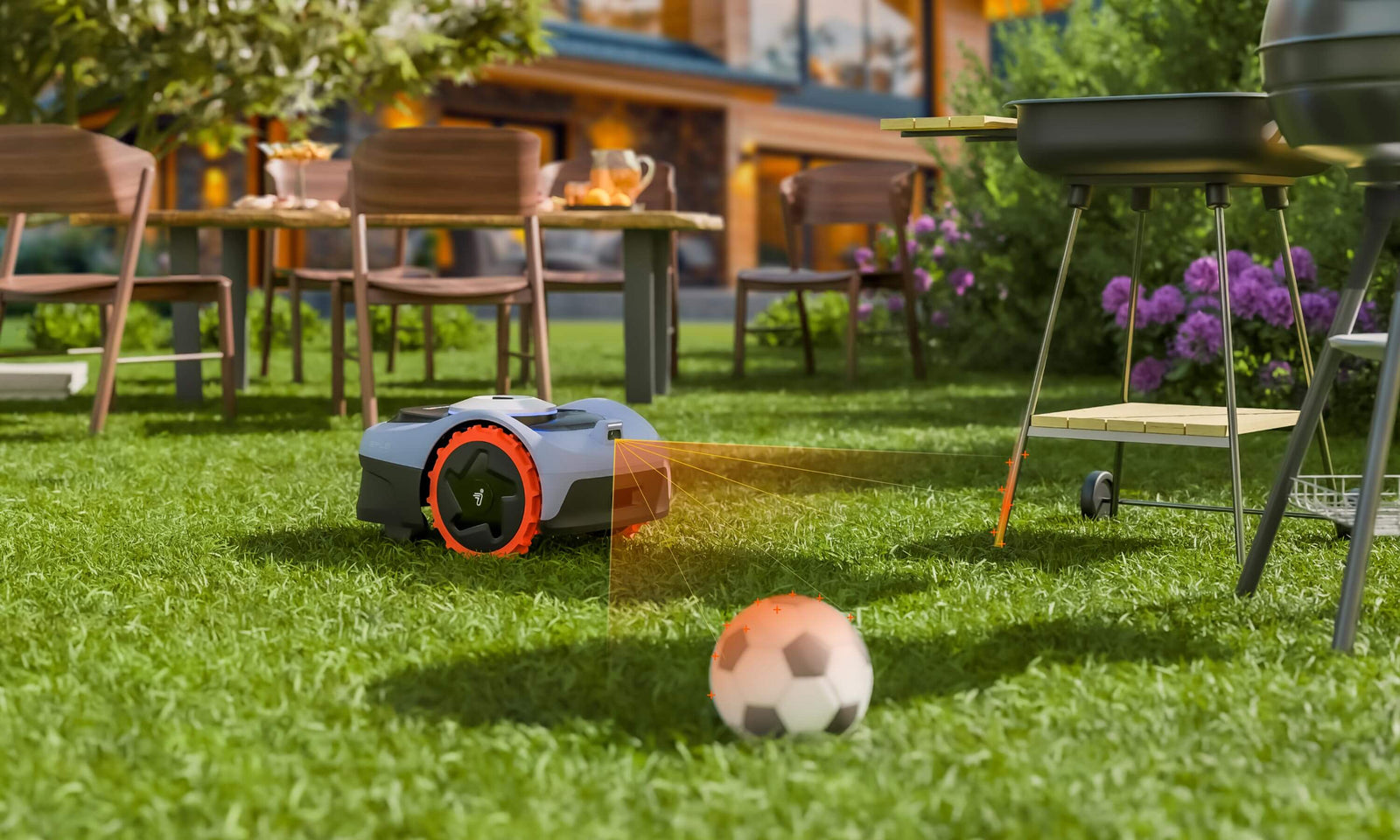
Identifies 150+ Obstacles
VisionFence enables precise obstacle avoidance for Navimow, allowing it to navigate smoothly. It identifies over 150 objects across three categories, including animals, tools, and everyday obstacles.

Animal Friendly Mode
Navimow’s Animal Friendly Mode detects pets and wildlife within five meters, quickly recalculating its path to maintain a one-meter buffer, ensuring a safe and beautiful lawn for all.

Free to Cross All Channels
Accurately and intelligently avoid obstacles without fear of weak signals within channels.
FAQs
There are three ways to start mowing:
In the app, click Mow Now.
On the mower, press MOW and then OK to start mowing.
The mower starts automatically according to the mowing schedule.
The first two are called One-time Mowing, and the last one is dubbed Scheduled Mowing.
When you start a One-time Mowing task, the mower will work until 100% progress is reached.
When you set up a schedule, the mower will only work during the scheduled hours. When it reaches 100% progress, the mower will start again from scratch if the “mowing cycle” switch is on.
If you have a schedule, and then you start a One-time Mowing task, the mower will ignore the schedule and mow the entire lawn until 100% progress is reached.
Yes. It’s recommended to purchase our official Navimow-i garage to acquire shelter and extra protection for Navimow-i robotic lawnmower.
If you prefer DIY or third party garage/shelter, please ensure the material is metal-free to avoid GNSS signal interference. Plastic is preferred when building the DIY garage/shelter.
Currently, you can set 2 kinds of boundaries for the mower, which are standard mode and ride-on mode. When creating the map, you can choose one of them as the type of the boundary.
The Standard Boundary is the default option. This type of boundary allows the mower to stay within the defined boundary while mowing. The VisionFence is used to detect grass and non-grass objects, helping the mower to navigate without bumping into obstacles.
If the edges of your lawn are on a relatively flat area, you can choose the Ride-on Boundary to let the mower mow right up to places where grass meets non-grass areas. This way, the mower will straddle the boundary when working to make precise cuts near the edges.
NOTE:1. Ensure the gap between grass and non-grass areas is less than 1 cm.
2. Keep barriers or objects at least 20 cm away from the Ride-on Boundary.
The height should not be less than 40cm; the width should not be less than 100cm.
Explore More Navimow Ranges
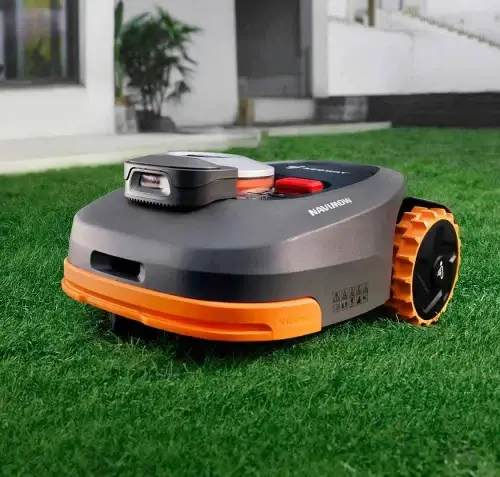
Navimow H Series
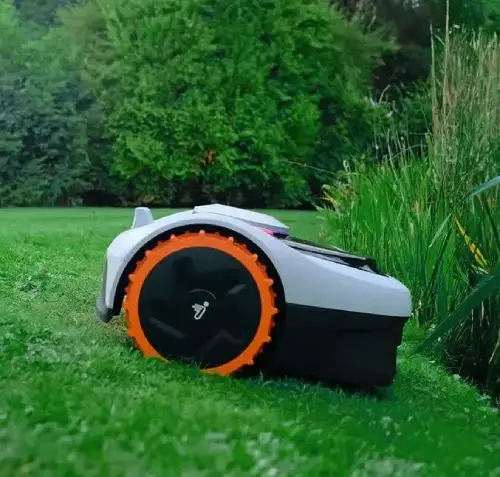
Navimow I Series